Share This Article
To contact 1xBet support from the app, open the main menu, tap “Support”, then choose live chat and type your question. Have your account ID ready.
Every version of the 1xBet app carries its own help section, but the path to reach it barely changes across platforms. Once you know where the entry point sits, you can open it within seconds, even mid-match. This guide walks you through the exact screens, what to prepare, and how each channel behaves.
Where the support section lives in the app
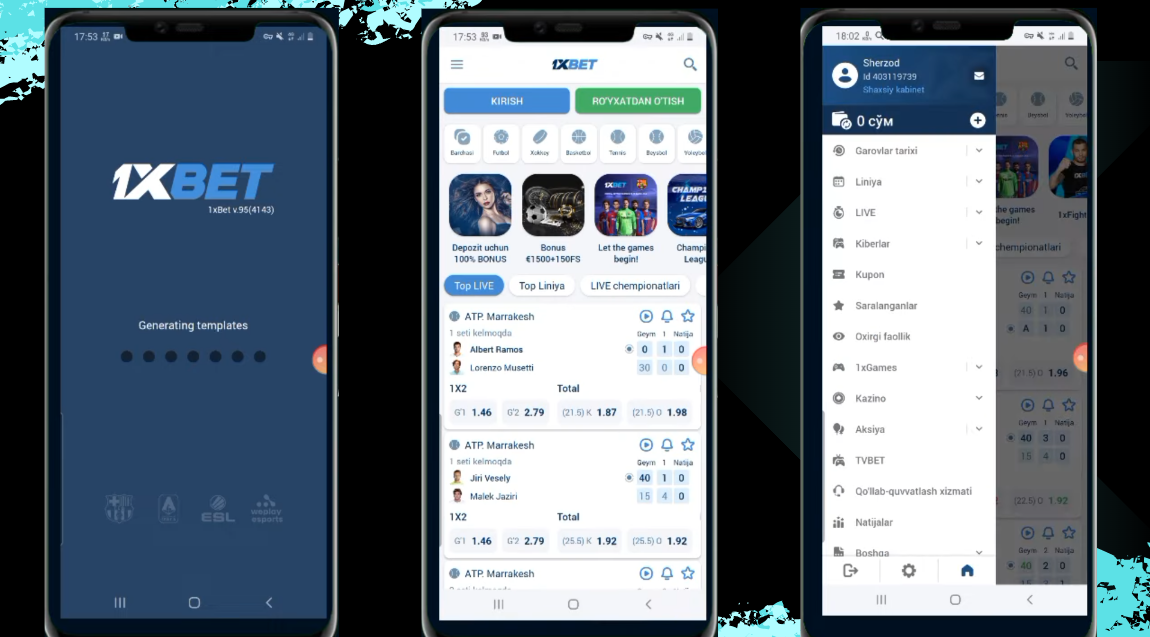
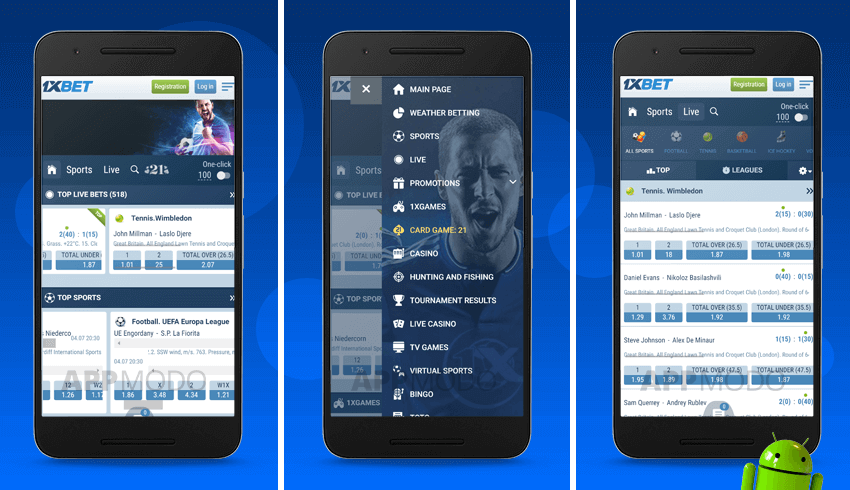
The support entry point in the 1xBet application sits inside the main menu rather than on the home screen. Tap the three-line icon in the top corner of the app to open the side drawer. Scroll down the drawer until you see a “Support” or “Help” entry.
Tapping it opens a dedicated support hub screen. That hub screen presents the main channels arranged as tiles or a simple list. In most app builds, live chat appears as the first option, with email and phone listed below it.
The exact labels vary by app version and region, but the layout stays recognisable. From this single screen you can branch into any of the available contact methods.
- Live chat: the fastest channel, reachable directly from the support hub screen
- Email: best for account documents and longer written explanations
- Callback form: some app builds include a request-a-call option
- Help centre articles: general guides for deposits, bets, and account settings
Starting a live chat from inside the application
Live chat inside the 1xBet application connects you to an operator within about a minute during quiet hours. The chat window opens over whatever screen you were on, so you do not lose your place. Type your message in the input field at the bottom and press send. The operator replies in the same thread.
Before you start, open your account page and note your player ID. It appears at the top of the profile or account settings screen. Having this number ready shortens the first exchange considerably. Chat logs also stay saved, so you can scroll back to re-read earlier replies.
Using email support for documents and complex issues
Email becomes the right channel when you need to attach files or explain a situation at length. In the 1xBet application, the support hub shows the current support address. Copy it exactly, because it may differ from what older blog posts list. Compose your message in your own mail app and include your player ID in the subject line.
Attach clear photos or scans when the issue involves account verification. Passport pages, selfie photos, and payment screenshots are the three documents most often requested. Email replies usually arrive within a few hours, though some cases take longer. Regulatory complaints may need to go through the national gambling regulator instead of the operator directly.
Keep your message short and structured. Number your points if more than one issue is involved. One thread per topic keeps the response faster.
Preparing your details before you message support
Before you open a chat window in the 1xBet app, gather the details you will need. The support agent will usually ask for your user ID first. You will find it under the account menu, shown as a long number near your phone or email. Have your registered phone number and email address ready too.
Next, note the exact bet you are asking about. Check the bet slip in your account history for the match, stake, and selection. If your question involves a deposit or withdrawal, write down the payment method and the approximate time. These four details cover most common issues in the 1xBet app.
- User ID from the account menu
- Registered phone number or email
- Bet slip details: match, stake, and selection
- Payment method and approximate time
Opening live chat without leaving your bet slip
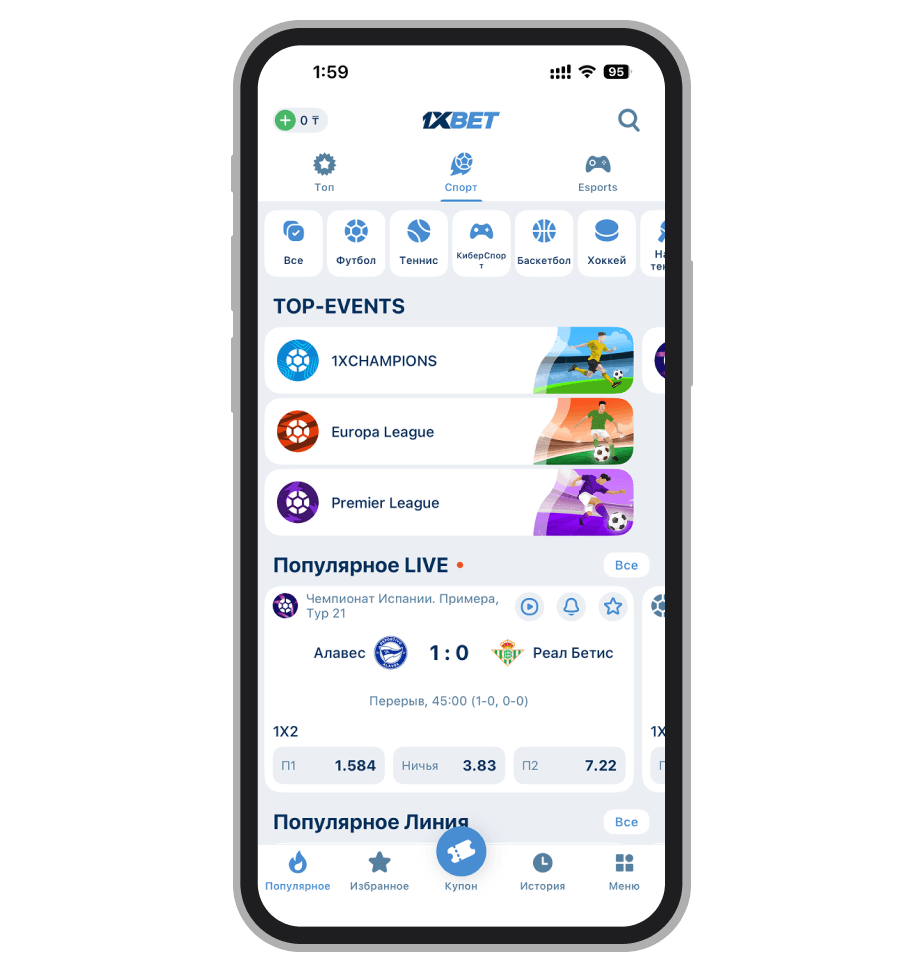
The fastest route in the 1xBet app is the built-in live chat. Tap the menu icon in the top corner, then choose the support section. A small chat icon appears at the bottom of the screen. Tapping it opens a conversation window right away.
On a normal connection, the first reply usually arrives within a couple of minutes. Describe your problem in one short paragraph. Paste your user ID and the bet slip number so the agent can find your account.
If a screenshot helps, attach it from your gallery before sending. The chat stays open as a notification while you keep placing bets. Using the 1xbet mobile edition app keeps this whole exchange inside one screen. Your history stays visible, so you can double-check details without switching apps.
Using email when the issue needs documents
Email suits problems that need more explanation or attached files. Open your mail app and write to the 1xBet support address from the help section. Keep the subject line short and specific, such as a verification request or a pending withdrawal. Two or three sentences describing the situation are enough for the first message.
Attach clear copies of any documents they ask for. Identity checks usually need a photo ID, while payment disputes need a bank or wallet statement. Sending one complete email saves time, because bouncing between channels slows everything down. Expect a reply within a day in most cases, and keep your user ID in the message body.
Numbers worth knowing about support timing
| Channel | Typical first reply | Best for |
|---|---|---|
| Live chat in app | About 2 minutes | Bet slip and account questions |
| Up to 24 hours | Verification and document checks | |
| Callback request | Same day | Longer payment disputes |
The figures above are rough guides based on how the 1xBet help pages describe response times. Chat is the quickest channel, and email handles anything requiring attachments. If your issue concerns a live bet still in play, choose chat, since every minute counts.
How long does verification take in the app?
Once you upload documents from the account settings, the 1xBet team usually reviews them within one or two days. You get a notification when the status changes. If nothing happens after three days, start a chat and quote your user ID.
Can I reach support without leaving my bet slip?
Yes. The chat icon stays reachable from the bet slip screen in the 1xBet app. Open it, send your question, and return to your selections with one tap. Nothing on the slip is lost while you chat.
What if the chat will not load?
Close and reopen the 1xBet app first, then check your internet connection. If the window still fails, switch to email and include your user ID. The support address is listed in the help section of the app.